






































































































































































































































































































































Categories About Us
Assemble You Limited
  • Země: United Kingdom
  • Number of Titles: 657

Assemble You is an audio first provider. Our podcast-style courses are designed to be listened to on the go.

Each Assemble You course includes a 10-minute evidence-based, engaging audio track recorded with a professional voice actor.

We teach you to improve your Power Skills. Things like Leadership, Productivity, Wellbeing, Project Management, Communication, Intrapreneurship, and Strategy.

Prohlížet všechny knihy dle Assemble You Limited
Are you Using Data Bars Effectively - Excel
AI Challenges We Should All Know About
Everything You Need to Know About AI Data
Change your Outlook for the Web Theme and Colours
Lock Cells but NOT Slicers in Excel 
Introduction to Pronoun Awareness
Why Excel Nerds HATE Merge and Center
How To Connect With Your Audience
Using and Managing Passwords
Paste Multiple Items Across Apps
Introduction to LGBTQ+ Awareness
Paste Special - What on Earth does it do?
Women in Leadership
Hide Items in a Data Validation Drop-Down List
Create a Dynamic Macro in Excel + Edit VBA Code
Importance of Purpose
Excel Keyboard Shortcuts Everyone Should Know
GROUPBY in Excel
Wrap Rows Like a Boss - Excel
Export Form Data to Excel the Right Way
Stakeholder Management for Innovation Projects
New Excel Feature - Focus Cell
Future Human: Time Management
INDEX and MATCH With Multiple Criteria
Permanently Hide Worksheets - Excel
Handling Customer Objections
Effective Stakeholder Management and Communication
Create a Stock Chart in Excel
Split Columns at Line Break - Excel
Do You Know These Pivot Table Hacks - Excel
Manage Excel Worksheets Like a Pro
Conditional Formatting in Outlook for the Web
Troubleshooting Issues on Your Project
Introduction to Microaggressions: LGBTQ+
Three Ways to Split Text - Excel
Create a Daily Habit Tracker - Excel
Future Human: Empathy
Leadership - Protecting Your Team
Make a Macro Available Across ALL Workbooks
Filter Non-Adjacent Columns in Excel
Why You Should Be Using Excel Templates
Introduction to PMI/PMP
Leadership: How to Network
Protect Specific Cells in an Excel Workbook
Introduction to Anti-Racism in the Workplace
Answering the Most Common Questions About AI
Working with Headers and Footers In Word
MS Teams: Private Messages
MS Teams: Explore the Dashboard
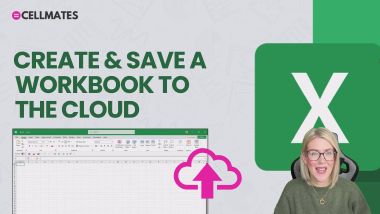
Excel 365: Create & Save a Workbook to the Cloud
Outlook: Save as Draft
Word 365: Anatomy of a Document
Future Human: Initiative and Resourcefulness
How to Manage Your Personal Finances
Keeping Your Energy High
Body Language in Customer Service
Future Human: Resilience
Create an Expiry Alert in Excel
Understand the Slide Master in PowerPoint
Excel 365: Print a Workbook
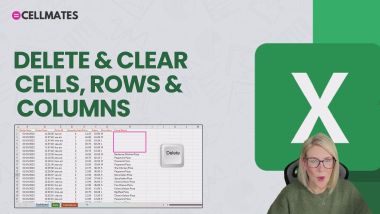
Excel 365: Delete, Clear Cells, Rows and Columns
Excel Essentials: Conditional Formatting 101
Excel Essentials: Logital Functions - NESTED IF
Change Title and Tab Name Automatically in Excel
STOP using SUMIF - Excel
Effective Sustainability Communications
Excel Tables Explained - Excel
Creating AutoText/Quick Part Entries
Deepen Your Listening Skills
Meditation Basics
Excel Essentials: Basic Text Functions
Excel Essentials: Why Clean Data?
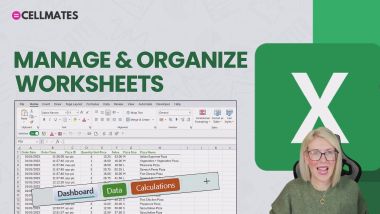
Excel 365: Manage and Organize Worksheets
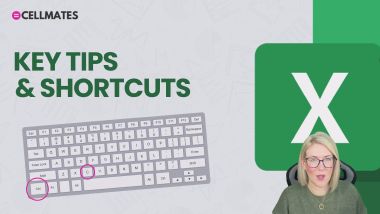
Excel 365: Key Tips & Shortcuts
Create a Conditional Chart - Excel
AI, Machine Learning and Deep Learning
Introduction to LGBTQ+ Awareness: Gender
Data Validation and Conditional Formatting
Courageous Leadership
How to Initiate Change
Paste Multiple Items with the Excel Clipboard
Building You - Building Relationships
Copilot 365: Copilot Pre-requisites
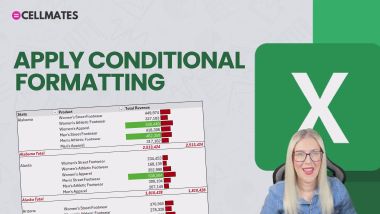
Copilot 365: Apply Conditional Formatting
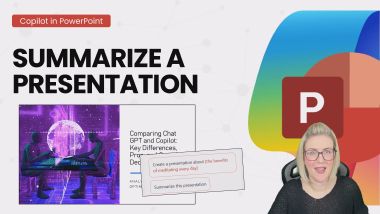
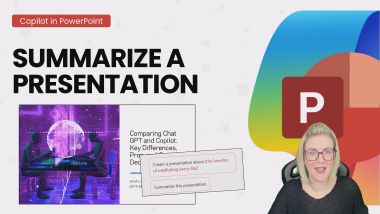
Copilot 365: Summarize a Presentation
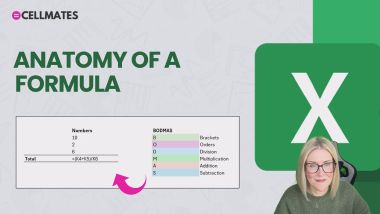
Excel 365: Anatomy of a Formula
Excel 365: Get started with Microsoft Excel 365
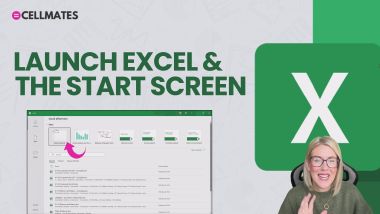
Excel 365: Launch Excel & the Start Screen
Outlook: Configure a Gmail Account
IF with Partial Match in Excel
OneNote: Copilot Notebooks
OneNote: Drawing with DigitalInk
OneNote: M365 Integration
OneNote: Copilot in OneNote
OneNote: Navigating the Interface
OneNote: Using the Enhanced Search Box
The Value of Timeboxing
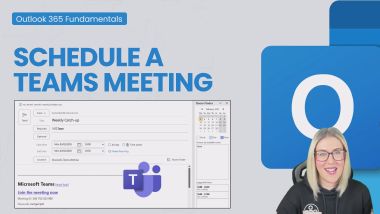
Outlook: Schedule a Teams Meeting
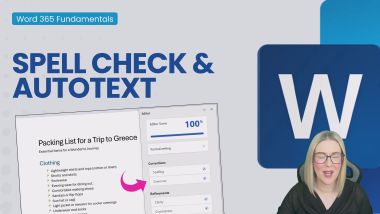
Word 365: Spell Check and Autotext
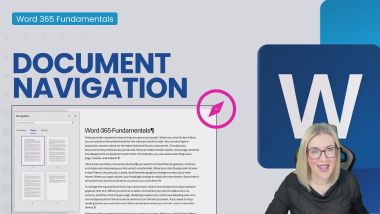
Word 365: Document Navigation
PowerPoint: Use Designer for Slide Makeovers
Outlook: Format a Message
PowerPoint Ribbons, Menus and the QAT
Introduction to the Sustainable Development Goals
Track Changes in Word
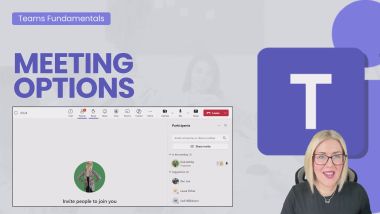
MS Teams: Meeting Options
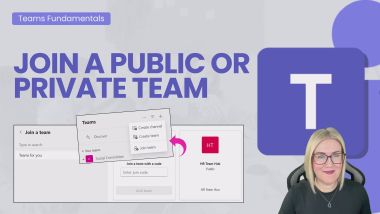
MS Teams: Join a Team
Manage Emails with Quick Steps - Outlook
Excel Essentials: New Check Boxes
Excel Essentials: Split Text - Text to Columns
Excel Essentials: Split Text - TEXTSPLIT
Excel Essentials: Data Validation
Problem Solving: The Basics
Navigating with Headings and Go To in Word
Self-reflection
Building You - Building Your Career
Power Up Your To-Do List
Coaching and Mentoring
Systems for Working Faster
An Introduction to Psychological Safety
PivotTables: Show Values AS
PivotTables: Import a Pivot Table Style
How to Deal With Difficult Customers
Future Human: Creativity
How to Build Trust at Work
The Art of Resilience
Managing Work Anxiety
Impostor Syndrome
How to be a Better Listener
How to Manage Your Time
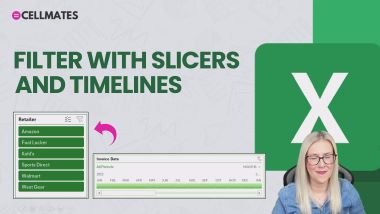
PivotTables: Filter with Slicers and Timelines
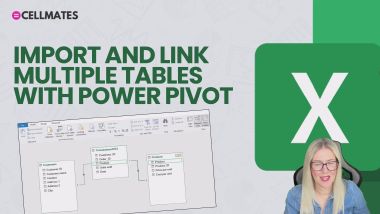
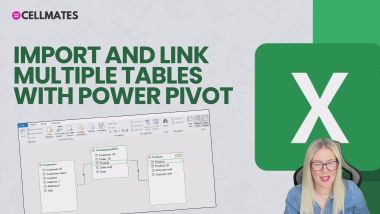
PivotTables: Import Tables with Power Pivot
PivotTables: Create a Dynamic Chart Title
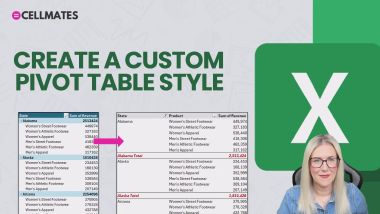
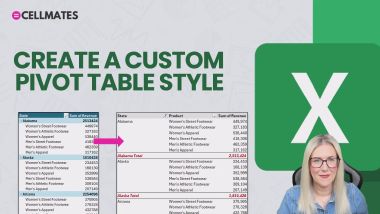
PivotTables: Create a Custom Pivot Table Style
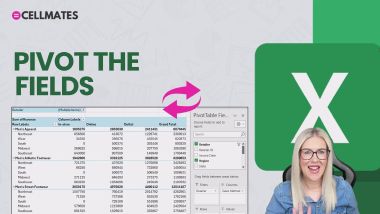
PivotTables: Pivot the Fields
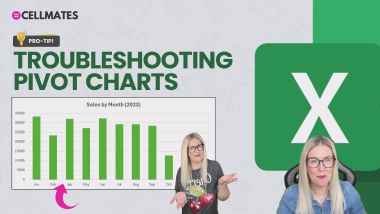
PivotTables: Troubleshooting Pivot Charts
Excel: ChatGPT Addin: AI.ASK
The ChatGPT Interface
Data Validation Input Messages and Error Alerts
Cultural Awareness
Let People In
Employee Resource Groups
Get Live Audience Feedback - Forms and PowerPoint
Calculated Fields in Excel Pivot Tables
Draft Emails and Replies with Copilot
Apply Multiple Actions to Outlook Emails
When to Protect Your Team
Resilience in Customer Service
Add Custom Instructions in Copilot
Copilot in PowerPoint
Why Diverse Businesses are Winning
Future Human: Collaboration
Most Useful Keyboard Shortcuts - Excel
The Power of Curiosity
Create an Index in Word
Banter and Bullying
Write Better Emails with Copilot Coach
Using the Format Painter Correctly in Word
How to be Liked
Using chat in Microsoft Teams
Globalisation and Sustainability
Actively Manage Yourself
Innovate and be an Intrapreneur
Repeat Header Rows and Table Breaks in Word
Pivot Tables from Multiple Sources with PowerPivot
Create a Table of Figures in Word
Moving from Manager to Leader
Initiative: The Biggest Win
Lean into Difficult Situations
Take Control of Keyboard + Mouse in Teams Meetings
The Impact of Habits
An Introduction to Agile
How Outlook, SharePoint and Teams Link Together
Split Inconsistent Text Across Cells in Excel
How to Build Confidence and Become More Assertive
Whiteboard in Microsoft Teams
High Performance Team Culture
Women in Leadership Networking and Connecting
Find and Replace Hack
Auto-create Folders and Subfolder in File Explorer
Excel Formula Basics -  For Absolute Newbies!
Introduction to Malware
How to Successfully Motivate Your Team
Excel Essentials: Join Text
Excel Essentials: Counting Functions
How to Build Rapport
Return Multiple Columns with VLOOKUP in Excel
Concise Writing
Asking for Help
Introduction to Social Engineering
Avoid Bias and Discrimination when using AI
Calculate Work Days with Custom Days off in Excel
Presentation Skills: Keeping Your Audience Engaged
Finding Your Direction
Copilot 365: Create Formulas Like a Pro
Copilot 365: Draft a Presentation
Excel Essentials: Autoformat
Copilot 365: Analyze with Pivot Tabels and Charts
Copilot 365: Copilot vs ChatGPT
Copilot 365: Write Effective Prompts
Copilot 365: Transform Existing Content
Copilot 365: Ask Copilot Questions
OneNote: Inserting Images, Video, Audio and Files
OneNote: Creating and Organizing Notebooks
Excel Essentials: Formatting 101
Excel Essentials: Formulas and Functions Recap
Excel 365: Input Text and Values
Excel on the Go! The Online Portal
Search Folders - Outlook
Word 365: Margins and Orientation
Outlook: Create a Meeting
Word 365: Bullets and Numbered Lists
Word 365: Find and Replace
Launch PowerPoint and the Start Screen
PowerPoint: Reorder and Delete Slides
Outlook: Add an Appointment
Outlook: Create Folders and Subfolders
Word 365: Save a Document to the Cloud
The Power of Saying No
Create a Filter Macro in Excel+Assign to a Button
Excel 365: Basic Calculations
Excel 365: Autosum & Autofill
Excel Essentials: Logital Functions - IF
Excel Essentials: Create a Pivot Chart
Excel Essentials: Threaded Comments/Notes
Excel Essentials: SUM, SUBTOTAL and AGGREGATE
Excel Essentials: Headers and Footers
XLOOKUP with Multiple Criteria in Excel
Word 365: Show/Hide Paragraph Marks
PowerPoint: Bullets and Numbering
PowerPoint: Run a Slideshow
PowerPoint: Design Themes
MS Teams: Desktop vs Online
MS Teams: Start an ADHOC meeting
Generate a Practice Dataset with ChatGPT - Excel
Excel Essentials: Drop Down Lists
Find Emails with Copilot Search
PivotTables: Calculated Fields and Items
PivotTables: Format a Pivot Chart - Part 2
PivotTables: Create Reports with GETPIVOTDATA
PivotTables: Custom Number Formatting
PivotTables: Apply Number Formatting
Excel: ChatGPT Addin: AI.FILL
PivotTables: Data Visualization 101
PivotTables: Analyze Data and Quick Analysis
Excel: ChatGPT Addin: AI.EXTRACT
Excel: Clean Data with ChatGPT
Excel: ChatGPT Addin: AI.TRANSLATE
Generate Excel Data with ChatGPT
Excel: Create Formulas with ChatGPT
Excel: ChatGPT Addin: AI.LIST
ChatGPT Free vs Paid Version
Women in Leadership
Building You - Building Focus
Women in Leadership Motivation and Purpose
Agile Leadership
Chat GPT to Bulk Send Emails
Create a SLICK Bar Chart in Excel
Sleep: Your Productivity Superpower
Page and Section Breaks in Word
Dealing with Imposter Syndrome
Working with Read Mode
3 FAST Ways to Copy Formatting
Optimize Your Meeting Productivity
Excel 'Pearl' Charts and Stacking - Excel
Mastering the Sales Mindset
Understanding Corporate Sustainability
Outlook Search
Journalling: Your Secret to Personal Development
Stop Hunting for Commands in Excel
Outlook: Explore the Outlook Interface
Outlook: Assign Mail to Categories
Review and Edit Outlook Emails with Copilot
Create a Spotlight Effect with Morph - PowerPoint
Moving Towards Energy Sufficiency
SHOWDOWN: Named Ranges vs Excel Tables
What is Intrapreneurship?
Building You - Building Success
Create Profile Photos and Edit in Windows 11
Future Human: Innovation
Use Copilot Chat
Sharing Files in Microsoft Teams Meetings
Negotiation in Customer Service
Convert Values in a Spreadsheet - Excel
The Essentials of Face-to-Face Customer Service
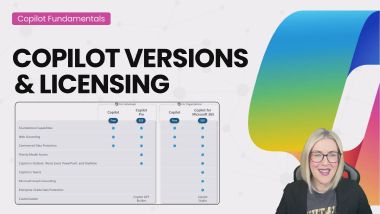
Copilot 365: Copilot Versions and Licensing
Building You - Strength, Resilience, Solutions
Defusing an Argument
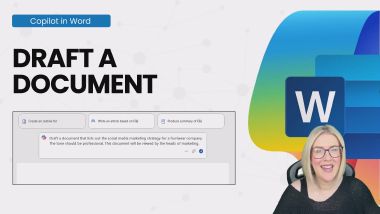
Copilot 365: Draft a Document
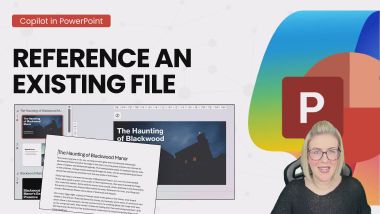
Copilot 365: Reference an Existing File
Introduction to Neurodiversity in the Workplace
Export Files from File Explorer to Excel
Applying Formatting to Multiple Items in Word
Introduction to Ageism: Older People
Check for Issues and Accessibility in Excel
Mixed Cell Referencing in Excel
Mental Fitness - 5-Step Framework
Cell Styles in Excel - Do we REALLY need them?
The IMAGE Function - Excel
Create a Scrolling Table in Excel using OFFSET
Building an Innovation Business Case
Essential Writing Skills for Business
Breakout Rooms in Teams
How to Get The Best Out of Introverts & Extroverts
Excel 365: Selections with the Keyboard and Mouse
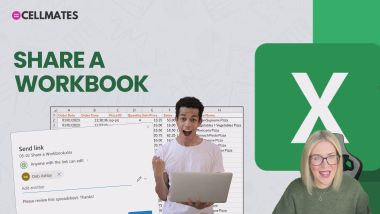
Excel 365: Share a Workbook
Uncomfortable Truths - Overcoming Loneliness
How to Build Your Personal Brand
Essential Email Etiquette
OneNote: Page Templates
OneNote: Create Task Lists
An Introduction to Project Management
Excel Essentials: Proper Trim
Excel Essentials: Sort with Custom Lists
Excel Essentials: XLOOKUP
Excel Essentials: Duplicates & Unique Lists
Excel Essentials: Refresh Pivot Tables
Excel Essentials: Filling Down Numbers/Dates
Excel Essentials: Quick Analysis
Excel Essentials: Named Ranges
Excel Essentials: Print Layout Hacks
Excel Essentials: Navigation and Data Entries
Inspirational Leadership
Inclusive Leadership
MS Teams: Create a Team
MS Teams: Edit and Delete Messages
Create Calendar Appointments FAST in Outlook
Excel Essentials: SORT, SORTBY, FILTER Functions
Excel Essentials: Freeze Panes
OneNote: Quick Notes and Sticky Notes
OneNote: Rewrite and Refine Notes
OneNote: Section Groups and Subpages
Storytelling in Business
Excel Essentials: Logital Functions - AND, OR
Building Your Confidence in Sales
Starting the Day the Right Way
Understanding Emotional Intelligence
Discrimination
Why Workplace Sustainability Matters
Draft Messages from Prompts
Create a Team from a Microsoft 365 Group in Teams
Reuse Outlook Content - Quick Parts
Influence and Impact
Excel Essentials: Error Handling
Excel Essentials: Color Palette
Excel Essentials: Date & Time Formulas
Excel Essentials: PivotTable Report
Outlook: Archive Mail
Word 365: Views and Modes
Word 365: Launch Word
Outlook: Move and Copy Mail
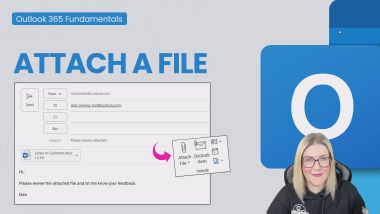
Outlook: Attach a File
Outlook: Save File Attachments
Custom Formatting in Excel
Introduction to Stakeholder Management
Critical Thinking Explained
PivotTables: Append Tables with Power Query
PivotTables: Organize Data by Financial Year
PivotTables: Select, Clear, Move and Copy
PivotTables: Apply Multiple Filters
PivotTables: Connect Slicers to Charts
PivotTables: Highlight MIN and MAX Values
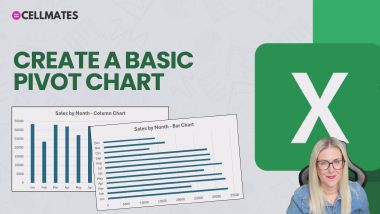
PivotTables: Create a Basic Pivot Chart
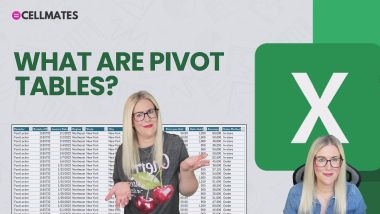
PivotTables: What are Pivot Tables?
PivotTables: Automatic Date Grouping
PivotTables: Format Empty Cells
PivotTables: Label and Value Filters
PivotTables: Report Filter Pages
PivotTables: Get Comfy with the Dataset
Excel: Gain Insight with ChatGPT
PivotTables: Create Custom Groups
PivotTables: Apply Conditional Formatting
Excel: ChatGPT Addin: AI.TABLE
ChatGPT: Generate Images
Mental Fitness - 5-Step Daily Routine
Foster Equal Belonging
Custom Slide Show in PowerPoint
Organising Data with Subtotals in Excel
Building You - Building Confidence
Blur Effect in PowerPoint
Presentation Skills: Slide Deck and Tech
Cleaning Data in Excel with Power Query Part 1
Add a Tab in Micosoft Teams
Mental Fitness - 4 Pillars of Resilience
Insert, Move, Copy and Delete Rows and Columns
The NEW Microsoft Teams for Personal Use
Leading With Empathy
Find and Replace in Word
Business Case for Sustainability
Copy Conditional Formatting Rules in Excel
Harnessing Ambition
Make Remote Working Work For You
The LARGE and SMALL Functions - Excel
Enhance Your Productivity with AI
Using Formulas in Word
Maintaining your belief
Speaking with Authority
The Advanced Filter - Excel
Systems for Working Faster
Find the Closest Match to a Number - Excel
Make an Announcement in Microsoft Teams
Creating Table of Contents with Bookmarks in Word
Managing Conflict in Your Team
Presentation Skills: Post-Presentation Tips
Bullying
Design Better Spreadsheets in Excel: 5 FAST Tips!
Stop Stagnating and Make the Change
Create Usable Barcodes - Excel
How to be an Effective Interviewer
Excel Essentials: Table & Cell References
Excel Essentials: Logital Functions - COND. IF
Avoiding Burnout
How to Develop a High Performing Team Culture
Excel 365: Apply Cell Formats
MS Teams: Add Members
MS Teams: Manage Team Members
Performance Management
The Importance of Prioritising Employee Well-Being
Power Toys Colour Picker - Windows
Clean a Dataset with Excel Functions and Utilities
Effective Hybrid Working: Working From Home
A Simple LAMBDA - Excel
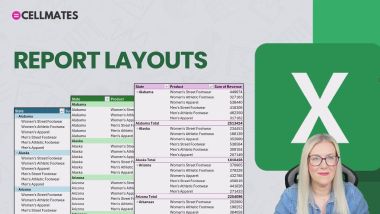
Excel Essentials: Report Layout Options
Copilot Icon Greyed Out in Outlook
Micro Stories and Presentations
Excel Essentials: Number Formatting in PivotTables
Ask Questions with Copilot
Create Totals FAST in Excel with Quick Analysis
Encouraging Teamwork as a Project Manager
Building You - Building Networks
SORT vs SORTBY in Excel
Motivating Your team
Create a Stock Inventory Tracker in Excel
Introduction to Sexual Harassment
Understanding Pronouns – DEI
Introduction to Sexism in the Workplace
Excel Essentials: Find and Replace
Using AI to Improve Your Communication
Footnotes and Endnotes in Word
Pareto Principle
Create an Excel Chart with REPT, TEXT and SUM
Excel Essentials: Show Values As
Excel Essentials: Aggregation Options
Excel Essentials: Date & Time
Environmental Social and Governance
Create a Custom Theme - PowerPoint
Sort Lists, Tables and Horizontal Data in Word
How to Turn Off the Focused Inbox in Outlook
The AND Function with Conditional Formatting
Working with Presence Status in Microsoft Teams
Introduction to Environmental Sustainability
The Ethics of AI
Scrum: The Basics
New Checkboxes in Excel
Be More Confident
The NEW TRIMRANGE Function + "The Dot"
Cleaning Data in Excel with Power Query Part 3
Excel 365: Customize the Quick Access Toolbar
Excel 365: Navigating Around a Spreadsheet
Ambitious Mindset
Word 365: Format Paragraphs
Outlook: Add Contacts and Create Groups
Outlook: Configure a Microsoft Account
Outlook: Reply and Forward a Message
Outlook: Customize the Quick Access Toolbar
Why Word Styles are Useful - Word
Exercise Your Way to Greater Productivity
Sort Columns Horizontally - Excel
Confidence at Work
Word 365: Ribbons and Menus
How to Build a Story
Conditional Formatting with Icon Sets in Excel
MS Teams: Start a Conversation
How to Be Proactive
How to Navigate Grief in the Workplace
What is Change Management?
Combine Files in Power Query - Excel
OneNote: Tags, Checklists and ToDo
OneNote: Working with Tables
OneNote: Summarize Notes with Copilot
OneNote: Page Layout Options
OneNote: Settings and Preferences
Outlook: Compose New Mail
Excel Essentials: Number Formatting
Excel Essentials: Copy Formatting
Excel Essentials: Clean a Dataset with Power Query
Excel Essentials: Flash Fill
Word 365: Insert Text into a Document
Word 365: Customize the Quick Access Toolbar
Word 365: Convert to PDF
Word 365: Save and Reuse a Template
Word 365: Find Commands and Get Help
Outlook: Flag Mail for Follow-Up
PowerPoint: Font and Colors
MS Teams: Schedule a Meeting
Excel Essentials: Data Types
PowerPoint: Insert and Format Shapes
Explore PowerPoint Templates
Outlook: Delete Mail
PowerPoint: Text Effects
PowerPoint: Speaker Notes
Make Time for You
Dealing with Self-Doubt in Customer Service
Excel: Generate PivotTables and Charts
PivotTables: Create a Basic Pivot Table
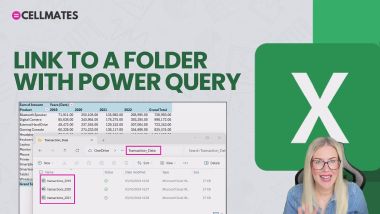
PivotTables: Link to a Folder with Power Query
PivotTables: Set a Default Layout and Style
PivotTables: Defer Layout Updates
PivotTables: Basic Sort and Filter Options
Excel: ChatGPT Addin: AI.FORMAT
PivotTables: Create Pivot Tables with Copilot
PivotTables: Create a Filled Map Chart
Customize ChatGPT
Prompt Engineering
Working with Comments in Word
Diet and Gut Health for Productivity
Conversations About Sustainability
Getting Creative With AI
Print Headers and Selections - Excel
Slide Zoom - PowerPoint
Customise Views with Sheet View in Excel
The PIVOTBY Function in Excel
Convert Numbers to Words - Excel
Lookups with Duplicates
Create a Team and Add Members in Microsoft Teams
Large Language Models Explained
Introduction to Disability in the Workplace
New Native Checkboxes in Excel
Sustainability in Everyday Life
How to Deal With Change to Your Job
How to Do a Weighted Average - Excel
Calculate Work Days Excluding Time Off in Excel
Barriers to Sustainable Living
A Guide to Business Professionalism
Future Human: Flexibility
Reinvigorating Disengaged Staff
Give Away Power
Women in Leadership Building Confidence
Manage Procrastination, and Boss Your Day
Office Etiquette Explained
How to Motivate Your Customer Service Team
Mental Fitness - 3-Step Framework for EQ
Data Validation Lists with Images - Excel
Spotting Talent in Your Team
Turn on the To-Do Bar in Outlook
Excel Essentials: INDEX, MATCH
Excel Essentials: Focus Cell
Excel Essentials: Copilot in Excel - Formatting
Excel Essentials: Remove Duplicates and Formatting
Excel Essentials: Basic Sort and Filter
Cultural Nuances
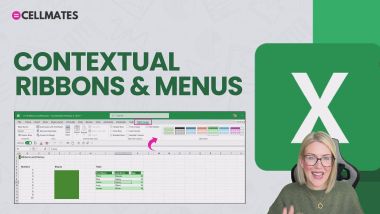
Excel 365: Contextual Ribbons & Menus
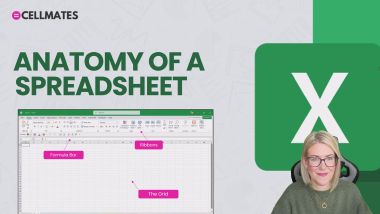
Excel 365: Anatomy of a Spreadsheet
Excel Function with NO Arguments - DATEDIF
Mental Fitness - 4 Cs of Mental Toughness
Excel Essentials: Absolute vs Relative Referencing
Excel Essentials: VLOOKUP
Excel Essentials: Delete Blank Rows
Excel Essentials: Formatting with Formulas
Making Body Language Your Greatest Ally
Summarize Emails with Copilot in Outlook
4 Efficiency Tips in Excel
Printing Large Spreadsheets in Excel
Why Word Styles are SO Important
Exit Interviews
Using AI to Improve Your Well-Being
Show Hidden Characters in Word
Transformational Leadership
OneNote: Sharing and Collaborating
OneNote: Synching and Cloud Integration
New Functions TOCOL and TOROW - Excel
Running Your First Project
Compress Images in PowerPoint to Reduce File Size
OneNote: Writing and Formatting Notes
OneNote: Linking Notes, Pages and Resources
A Brief History of AI
How to Guide Your Team Through Change
Add a Search Box to a Spreadsheet - Excel
Join a Public or Private Team in Microsoft Teams
VLOOKUP Approximate Match Explained
Excel Essentials: Project Introduction
Excel Essentials: Filter Pivot Table Data
COUNT and SUM by Cell Colour - Excel
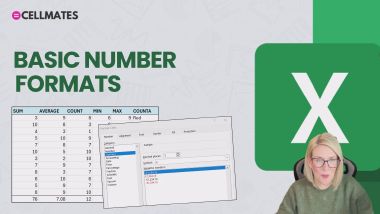
Excel 365: Basic Number Formats
Introduction to Social Sustainability
Apply Number Formatting in Excel Pivot Tables
Introduction to Copilot in Excel
Overview of PRINCE2
An Introduction to Menopause
Build Safety
How to Build Sales Confidence
Develop a Clear Intention
Apply Automatic Formatting in Excel
Unconscious and Implicit Bias and Microaggressions
Done is Better than Perfect
Communication and Collaboration
The Meaning of Equality, Diversity, and Inclusion
Save a Mail Merge as Individual Files in Word
The Camera Tool in Excel
Copilot 365: What is Copilot?
Copilot 365: Sort and Filter Data
Copilot 365: Use Organization Templates
Copilot 365: Summarise long Documents
Pick Columns with CHOOSECOLS in Excel
Uncomfortable Truths - Coping with Grief
Record a Simple Macro in Excel to Automate Tasks
Use VBA to Create a Message PopUp Box in Excel
How to Really Listen
The Power of Positive Thinking
MS Teams: Make an Announcement
Word 365: Keytips and Shortcuts
Create a Blank Presentation
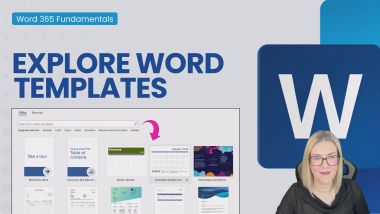
Word 365: Explore Word Templates
Word 365: Share a Document
PowerPoint: Apply Slide Layouts
PowerPoint: Insert Pictures and Icons
PowerPoint: Presentation Tools
PowerPoint: Add New Slides to a Presentation
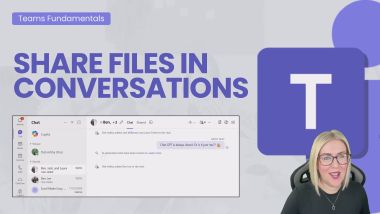
MS Teams: Share Files in Conversations
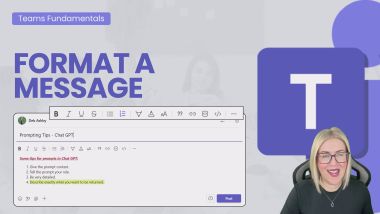
MS Teams: Format a Message
Cleaning Data in Excel with Power Query Part 2
Absolute vs Relative Cell Referencing in Excel
Identifying and Helping Others Who Need It
New Copilot Update - PowerPoint Narrative Builder
Leadership: How to Negotiate
The Power of No
Filter Data Like an Expert - Excel
Common Types of Attack
Future Human: Critical Thinking
Enact Purpose
Use ChatGPT to Write Excel Formulas - Excel
Plain English
Future Human: Curiosity
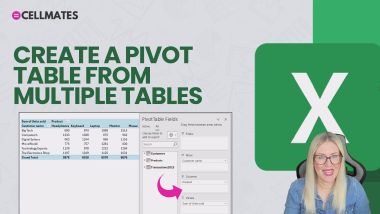
PivotTables: Create a Table from Multiple Tables
PivotTables: Preparation is King
PivotTables: GROUPBY and PIVOTBY
PivotTables: Customize Headers
PivotTables: Format a Pivot Chart - Part 1
PivotTables: Update Pivot Data
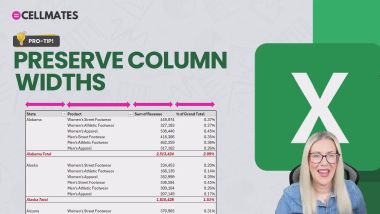
PivotTables: Preserve Column Widths
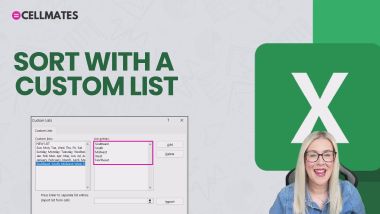
PivotTables: Sort with a Custom List
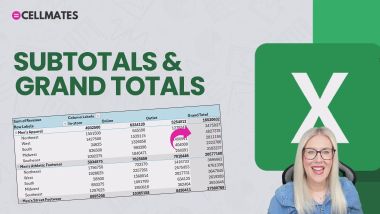
PivotTables: Subtotals and Grand Totals
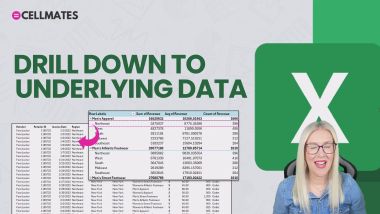
PivotTables: Drill Down to Underlying Data
Excel: Advanced Formulas + ChatGPT
PivotTables: Create a Custom Slicer Style
PivotTables: Aggregation Options
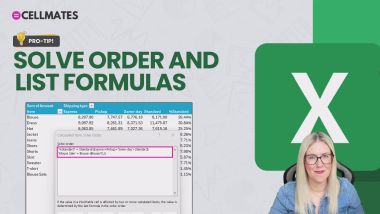
PivotTables: Solve Order and List Items
Excel: Download the ChatGPT Addin
Excel: Sort and Filter Data with Copilot
Excel: Troubleshoot Formulas
Excel: Analyze Data with Copilot
Excel: Refine Data with ChatGPT
Excel: Conditional Formatting with ChatGPT
Excel: Add Formula Columns with Copilot
Excel: Apply Conditional Formatting with Copilot
Excel: Write Macros with ChatGPT
PivotTables: Report Layouts
Staňte se autorem Bookboon
Máte skvělý nápad, který byste chtěli proměnit na obchodní knihu nebo studentskou učebnici? Naučili vás vaše zkušenosti něco o osobním rozvoji, co byste chtěli sdílet se světem? Nebo se specializujete na akademický předmět, který byste dokázali lépe vysvětlit? Knihy Bookboon charakterizuje kvalita, srozumitelnost a stručnost. Promluvte si s naším redakčním týmem a zveřejněte to!
Dotaz