














































































































































































































































































































































Categories About Us
Assemble You Limited
  • Страна: United Kingdom
  • Number of Titles: 657

Assemble You is an audio first provider. Our podcast-style courses are designed to be listened to on the go.

Each Assemble You course includes a 10-minute evidence-based, engaging audio track recorded with a professional voice actor.

We teach you to improve your Power Skills. Things like Leadership, Productivity, Wellbeing, Project Management, Communication, Intrapreneurship, and Strategy.

Искать все книги Assemble You Limited
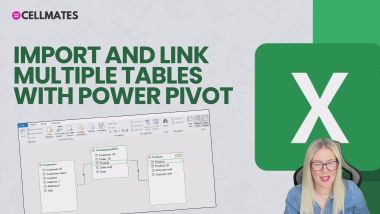
Pivot Tables from Multiple Sources with PowerPivot
Add Custom Instructions in Copilot
Using the Format Painter Correctly in Word
Excel: ChatGPT Addin: AI.FILL
Get Live Audience Feedback - Forms and PowerPoint
Apply Multiple Actions to Outlook Emails
Copilot in PowerPoint
Draft Emails and Replies with Copilot
Take Control of Keyboard + Mouse in Teams Meetings
Split Inconsistent Text Across Cells in Excel
Whiteboard in Microsoft Teams
Word 365: Save a Document to the Cloud
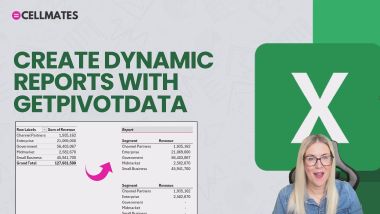
PivotTables: Create Reports with GETPIVOTDATA
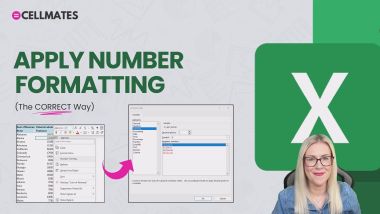
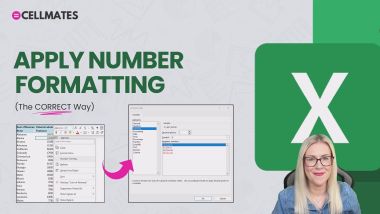
PivotTables: Apply Number Formatting
PivotTables: Custom Number Formatting
OneNote: Inserting Images, Video, Audio and Files
PowerPoint: Run a Slideshow
PowerPoint: Design Themes
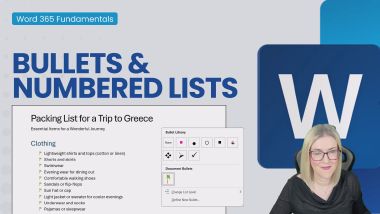
Word 365: Bullets and Numbered Lists
Word 365: Show/Hide Paragraph Marks
Copilot 365: Create Formulas Like a Pro
OneNote: Creating and Organizing Notebooks
Excel Essentials: Counting Functions
MS Teams: Start an ADHOC meeting
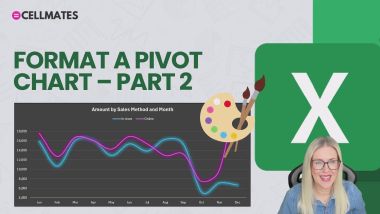
PivotTables: Format a Pivot Chart - Part 2
Find and Replace Hack
PowerPoint: Reorder and Delete Slides
Excel: Clean Data with ChatGPT
Excel: ChatGPT Addin: AI.TRANSLATE
Excel: ChatGPT Addin: AI.EXTRACT
ChatGPT Free vs Paid Version
PivotTables: Analyze Data and Quick Analysis
Excel Essentials: Threaded Comments/Notes
Excel Essentials: Formatting 101
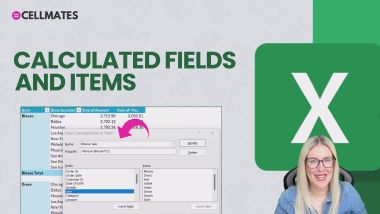
PivotTables: Calculated Fields and Items
Excel Essentials: Join Text
Excel Essentials: Autoformat
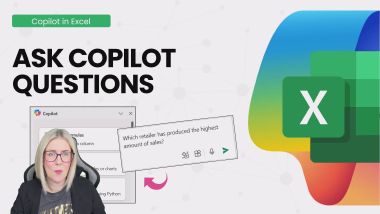
Copilot 365: Ask Copilot Questions
How Outlook, SharePoint and Teams Link Together
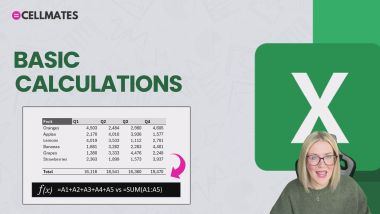
Excel 365: Basic Calculations
Data Validation Input Messages and Error Alerts
Create a Filter Macro in Excel+Assign to a Button
Calculated Fields in Excel Pivot Tables
Excel Essentials: Formulas and Functions Recap
Excel 365: Input Text and Values
Excel on the Go! The Online Portal
Excel Essentials: Headers and Footers
Copilot 365: Copilot vs ChatGPT
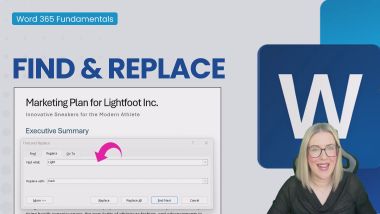
Word 365: Find and Replace
Launch PowerPoint and the Start Screen
Auto-create Folders and Subfolder in File Explorer
XLOOKUP with Multiple Criteria in Excel
Copilot 365: Transform Existing Content
Copilot 365: Write Effective Prompts
Excel: ChatGPT Addin: AI.LIST
Most Useful Keyboard Shortcuts - Excel
Excel: Create Formulas with ChatGPT
PivotTables: Data Visualization 101
Search Folders - Outlook
Excel Essentials: Drop Down Lists
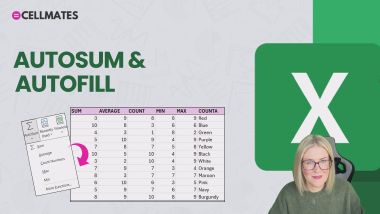
Excel 365: Autosum & Autofill
Excel Essentials: Logital Functions - IF
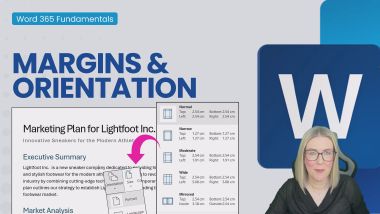
Word 365: Margins and Orientation
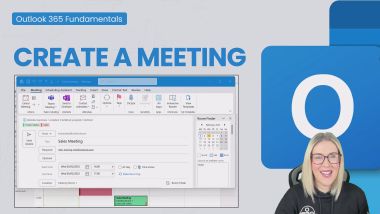
Outlook: Create a Meeting
Copilot 365: Analyze with Pivot Tabels and Charts
Outlook: Add an Appointment
Outlook: Create Folders and Subfolders
Excel Essentials: Create a Pivot Chart
Generate Excel Data with ChatGPT
Generate a Practice Dataset with ChatGPT - Excel
Excel Essentials: SUM, SUBTOTAL and AGGREGATE
PowerPoint: Bullets and Numbering
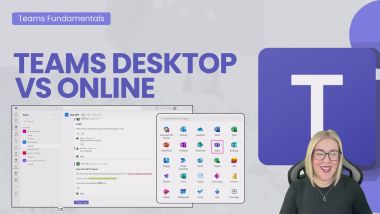
MS Teams: Desktop vs Online
Copilot 365: Draft a Presentation
The Power of Curiosity
When to Protect Your Team
Globalisation and Sustainability
Initiative: The Biggest Win
Cultural Awareness
Concise Writing
Find Emails with Copilot Search
Let People In
Avoid Bias and Discrimination when using AI
How to Successfully Motivate Your Team
The Impact of Habits
Employee Resource Groups
Introduction to Social Engineering
Introduction to Malware
Moving from Manager to Leader
Asking for Help
Create an Index in Word
Calculate Work Days with Custom Days off in Excel
Future Human: Collaboration
High Performance Team Culture
The Power of Saying No
Create a Table of Figures in Word
An Introduction to Agile
Presentation Skills: Keeping Your Audience Engaged
Actively Manage Yourself
Excel Formula Basics -  For Absolute Newbies!
How to be Liked
Why Diverse Businesses are Winning
Finding Your Direction
Resilience in Customer Service
Write Better Emails with Copilot Coach
Innovate and be an Intrapreneur
How to Build Rapport
Using chat in Microsoft Teams
Lean into Difficult Situations
How to Build Confidence and Become More Assertive
Banter and Bullying
Women in Leadership Networking and Connecting
Return Multiple Columns with VLOOKUP in Excel
Repeat Header Rows and Table Breaks in Word
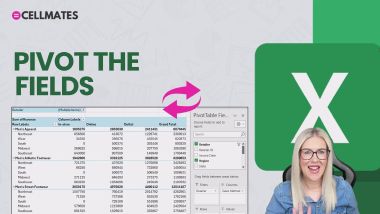
PivotTables: Pivot the Fields
OneNote: Navigating the Interface
Create a Conditional Chart - Excel
PowerPoint: Use Designer for Slide Makeovers
Permanently Hide Worksheets - Excel
Excel Essentials: Data Validation
OneNote: Copilot Notebooks
Create a Daily Habit Tracker - Excel
Excel 365: Launch Excel & the Start Screen
MS Teams: Explore the Dashboard
Excel Essentials: Logital Functions - NESTED IF
Outlook: Configure a Gmail Account
Outlook: Schedule a Teams Meeting
Excel Tables Explained - Excel
Are you Using Data Bars Effectively - Excel
Excel 365: Get started with Microsoft Excel 365
Data Validation and Conditional Formatting
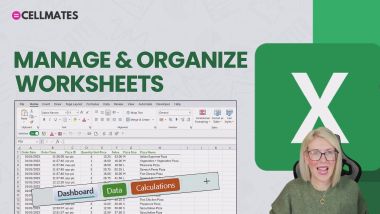
Excel 365: Manage and Organize Worksheets
Split Columns at Line Break - Excel
OneNote: Copilot in OneNote
OneNote: Using the Enhanced Search Box
OneNote: M365 Integration
Excel 365: Create & Save a Workbook to the Cloud
PivotTables: Create a Custom Pivot Table Style
Excel Essentials: Why Clean Data?
PowerPoint Ribbons, Menus and the QAT
Excel Essentials: New Check Boxes
The ChatGPT Interface
OneNote: Drawing with DigitalInk
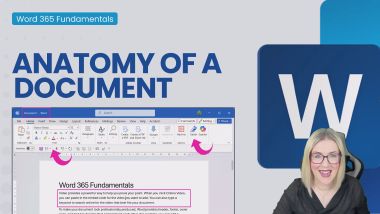
Word 365: Anatomy of a Document
Word 365: Spell Check and Autotext
Excel Essentials: Conditional Formatting 101
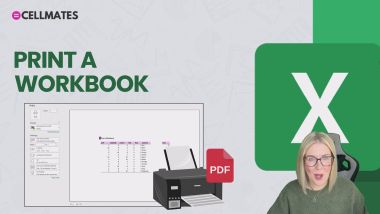
Excel 365: Print a Workbook
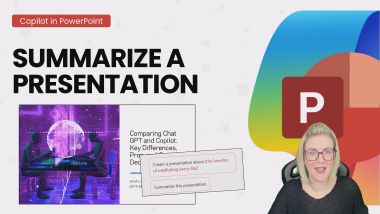
Copilot 365: Summarize a Presentation
Copilot 365: Copilot Pre-requisites
Excel 365: Key Tips & Shortcuts
Excel Essentials: Basic Text Functions
Outlook: Save as Draft
STOP using SUMIF - Excel
MS Teams: Meeting Options
Manage Emails with Quick Steps - Outlook
Wrap Rows Like a Boss - Excel
IF with Partial Match in Excel
Do You Know These Pivot Table Hacks - Excel
PivotTables: Filter with Slicers and Timelines
Excel 365: Delete, Clear Cells, Rows and Columns
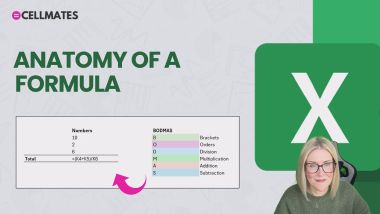
Excel 365: Anatomy of a Formula
PivotTables: Import Tables with Power Pivot
Three Ways to Split Text - Excel
PivotTables: Show Values AS
Create an Expiry Alert in Excel
Create a Dynamic Macro in Excel + Edit VBA Code
GROUPBY in Excel
INDEX and MATCH With Multiple Criteria
Paste Special - What on Earth does it do?
Paste Multiple Items with the Excel Clipboard
MS Teams: Join a Team
MS Teams: Private Messages
Excel Essentials: Split Text - Text to Columns
Excel Essentials: Split Text - TEXTSPLIT
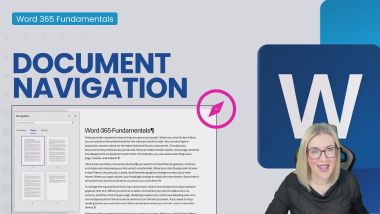
Word 365: Document Navigation
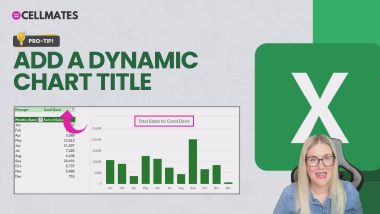
PivotTables: Create a Dynamic Chart Title
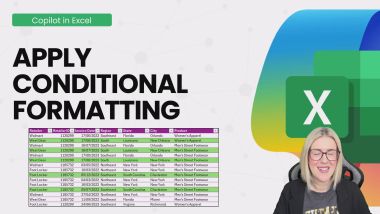
Copilot 365: Apply Conditional Formatting
Outlook: Format a Message
Excel: ChatGPT Addin: AI.ASK
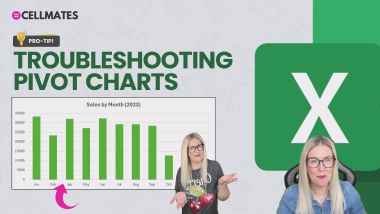
PivotTables: Troubleshooting Pivot Charts
PivotTables: Import a Pivot Table Style
Paste Multiple Items Across Apps
Manage Excel Worksheets Like a Pro
Export Form Data to Excel the Right Way
Why Excel Nerds HATE Merge and Center
Conditional Formatting in Outlook for the Web
Make a Macro Available Across ALL Workbooks
Understand the Slide Master in PowerPoint
Creating AutoText/Quick Part Entries
Leadership: How to Network
Working with Headers and Footers In Word
Introduction to Anti-Racism in the Workplace
The Value of Timeboxing
Introduction to LGBTQ+ Awareness: Gender
Power Up Your To-Do List
Leadership - Protecting Your Team
Effective Sustainability Communications
Deepen Your Listening Skills
Introduction to Microaggressions: LGBTQ+
AI Challenges We Should All Know About
Problem Solving: The Basics
Future Human: Initiative and Resourcefulness
Handling Customer Objections
Effective Stakeholder Management and Communication
Introduction to PMI/PMP
Stakeholder Management for Innovation Projects
How To Connect With Your Audience
Body Language in Customer Service
Meditation Basics
Lock Cells but NOT Slicers in Excel 
Building You - Building Your Career
How to Deal With Difficult Customers
Keeping Your Energy High
Self-reflection
Troubleshooting Issues on Your Project
Create a Stock Chart in Excel
How to Initiate Change
Answering the Most Common Questions About AI
Hide Items in a Data Validation Drop-Down List
Coaching and Mentoring
Managing Work Anxiety
Future Human: Time Management
Change Title and Tab Name Automatically in Excel
An Introduction to Psychological Safety
Navigating with Headings and Go To in Word
How to be a Better Listener
Women in Leadership
Excel Keyboard Shortcuts Everyone Should Know
Courageous Leadership
How to Manage Your Personal Finances
Building You - Building Relationships
The Art of Resilience
How to Build Trust at Work
Impostor Syndrome
Future Human: Resilience
How to Manage Your Time
Introduction to Pronoun Awareness
Future Human: Creativity
Future Human: Empathy
Track Changes in Word
Importance of Purpose
Introduction to LGBTQ+ Awareness
Using and Managing Passwords
Protect Specific Cells in an Excel Workbook
Systems for Working Faster
AI, Machine Learning and Deep Learning
Why You Should Be Using Excel Templates
Change your Outlook for the Web Theme and Colours
Introduction to the Sustainable Development Goals
New Excel Feature - Focus Cell
Everything You Need to Know About AI Data
Filter Non-Adjacent Columns in Excel
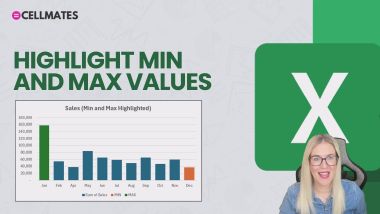
PivotTables: Highlight MIN and MAX Values
PivotTables: Select, Clear, Move and Copy
Excel 365: Selections with the Keyboard and Mouse
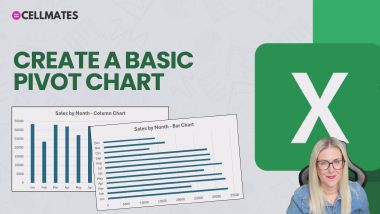
PivotTables: Create a Basic Pivot Chart
Excel: Gain Insight with ChatGPT
Excel Essentials: Print Layout Hacks
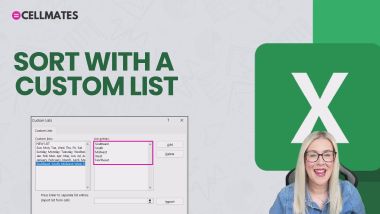
Excel Essentials: Sort with Custom Lists
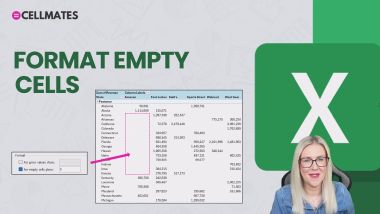
PivotTables: Format Empty Cells
PivotTables: Apply Multiple Filters
PivotTables: Report Filter Pages
Word 365: Launch Word
MS Teams: Edit and Delete Messages
PivotTables: Organize Data by Financial Year
MS Teams: Create a Team
Excel: ChatGPT Addin: AI.TABLE
Excel Essentials: PivotTable Report
Excel Essentials: Freeze Panes
Excel Essentials: SORT, SORTBY, FILTER Functions
The IMAGE Function - Excel
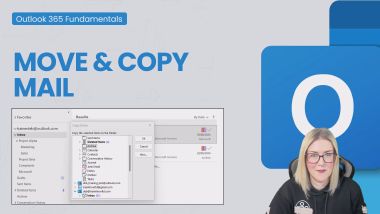
Outlook: Move and Copy Mail
OneNote: Quick Notes and Sticky Notes
Outlook: Attach a File
OneNote: Rewrite and Refine Notes
OneNote: Section Groups and Subpages
PivotTables: Connect Slicers to Charts
PivotTables: Create Custom Groups
Excel Essentials: Error Handling
Excel Essentials: Color Palette
Excel Essentials: Date & Time Formulas
ChatGPT: Generate Images
OneNote: Create Task Lists
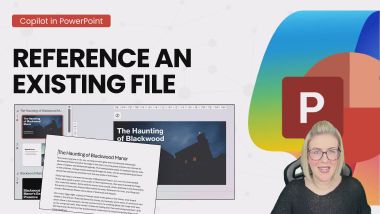
Copilot 365: Reference an Existing File
Chat GPT to Bulk Send Emails
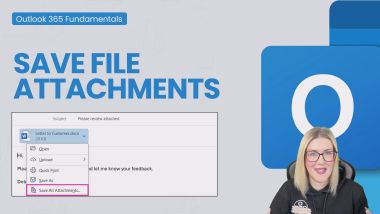
Outlook: Save File Attachments
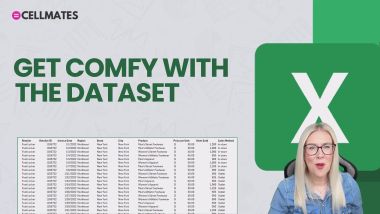
PivotTables: Get Comfy with the Dataset
Excel Essentials: Quick Analysis
Excel Essentials: Navigation and Data Entries
Excel Essentials: Refresh Pivot Tables
Excel Essentials: Proper Trim
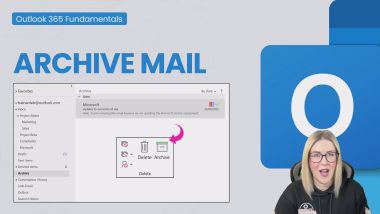
Outlook: Archive Mail
Excel Essentials: Logital Functions - AND, OR
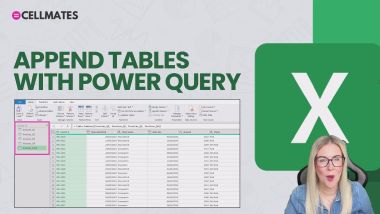
PivotTables: Append Tables with Power Query
OneNote: Page Templates
Create a Spotlight Effect with Morph - PowerPoint
Custom Formatting in Excel
Outlook: Explore the Outlook Interface
Excel Essentials: XLOOKUP
Excel Essentials: Duplicates & Unique Lists
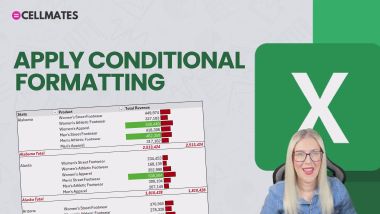
PivotTables: Apply Conditional Formatting
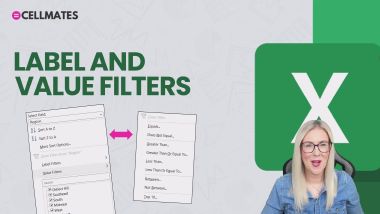
PivotTables: Label and Value Filters
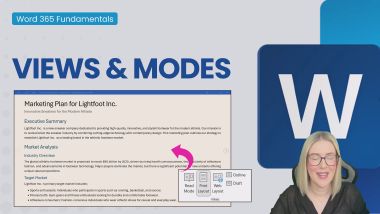
Word 365: Views and Modes
Excel Essentials: Filling Down Numbers/Dates
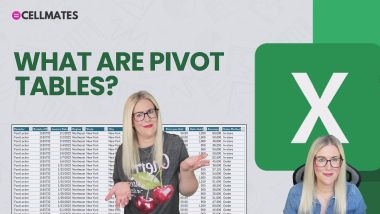
PivotTables: What are Pivot Tables?
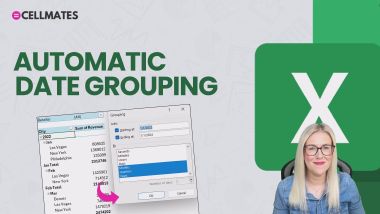
PivotTables: Automatic Date Grouping
Convert Values in a Spreadsheet - Excel
Excel 365: Share a Workbook
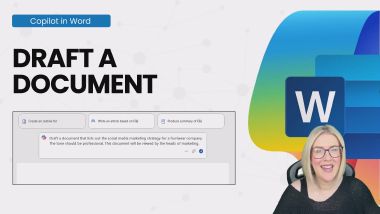
Copilot 365: Draft a Document
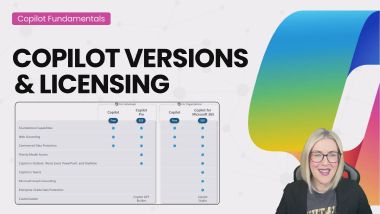
Copilot 365: Copilot Versions and Licensing
Excel Essentials: Named Ranges
Excel 'Pearl' Charts and Stacking - Excel
Check for Issues and Accessibility in Excel
Create Profile Photos and Edit in Windows 11
Create a SLICK Bar Chart in Excel
Breakout Rooms in Teams
Outlook: Assign Mail to Categories
Create a Scrolling Table in Excel using OFFSET
Sharing Files in Microsoft Teams Meetings
Mixed Cell Referencing in Excel
Stop Hunting for Commands in Excel
Working with Read Mode
Create Calendar Appointments FAST in Outlook
Export Files from File Explorer to Excel
Applying Formatting to Multiple Items in Word
Draft Messages from Prompts
3 FAST Ways to Copy Formatting
Optimize Your Meeting Productivity
Women in Leadership Motivation and Purpose
Introduction to Ageism: Older People
Essential Writing Skills for Business
Building You - Strength, Resilience, Solutions
Moving Towards Energy Sufficiency
Building an Innovation Business Case
Create a Team from a Microsoft 365 Group in Teams
Building You - Building Success
Reuse Outlook Content - Quick Parts
Influence and Impact
The Essentials of Face-to-Face Customer Service
Understanding Emotional Intelligence
Understanding Corporate Sustainability
Critical Thinking Explained
How to Build Your Personal Brand
Uncomfortable Truths - Overcoming Loneliness
Introduction to Neurodiversity in the Workplace
Future Human: Innovation
Review and Edit Outlook Emails with Copilot
Negotiation in Customer Service
Outlook Search
Dealing with Imposter Syndrome
What is Intrapreneurship?
Defusing an Argument
An Introduction to Project Management
SHOWDOWN: Named Ranges vs Excel Tables
Journalling: Your Secret to Personal Development
Page and Section Breaks in Word
Why Workplace Sustainability Matters
Introduction to Stakeholder Management
Inspirational Leadership
Use Copilot Chat
Cell Styles in Excel - Do we REALLY need them?
Essential Email Etiquette
Inclusive Leadership
Building You - Building Focus
Starting the Day the Right Way
Mental Fitness - 5-Step Framework
Building Your Confidence in Sales
Storytelling in Business
Agile Leadership
Women in Leadership
Discrimination
Mastering the Sales Mindset
Sleep: Your Productivity Superpower
How to Get The Best Out of Introverts & Extroverts
PivotTables: Link to a Folder with Power Query
The AND Function with Conditional Formatting
OneNote: Summarize Notes with Copilot
Create Usable Barcodes - Excel
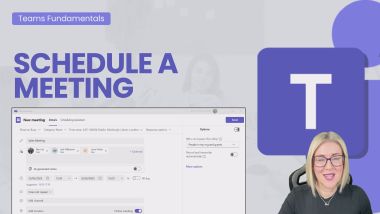
MS Teams: Schedule a Meeting
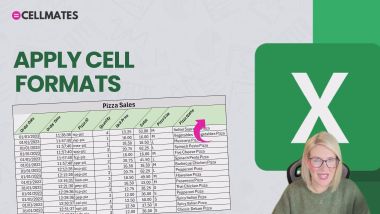
Excel 365: Apply Cell Formats
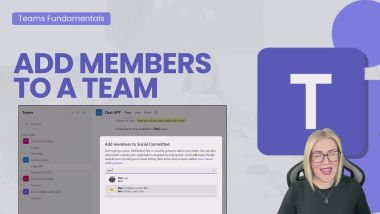
MS Teams: Add Members
MS Teams: Manage Team Members
Cleaning Data in Excel with Power Query Part 3
Conditional Formatting with Icon Sets in Excel
MS Teams: Start a Conversation
OneNote: Working with Tables
Customize ChatGPT
PivotTables: Set a Default Layout and Style
Excel Essentials: Flash Fill
Power Toys Colour Picker - Windows
The LARGE and SMALL Functions - Excel
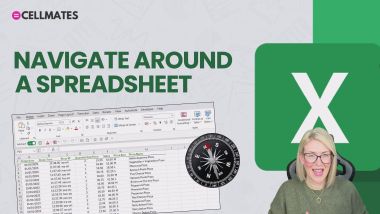
Excel 365: Navigating Around a Spreadsheet
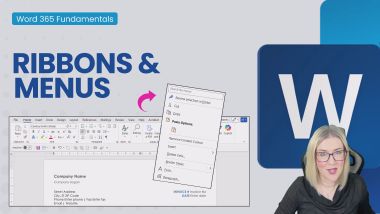
Word 365: Ribbons and Menus
Excel Essentials: Table & Cell References
Excel Essentials: Number Formatting in PivotTables
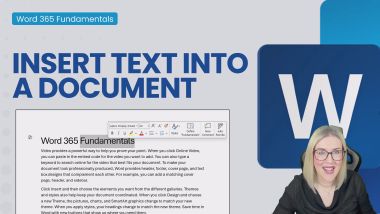
Word 365: Insert Text into a Document
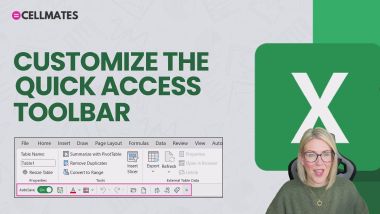
Excel 365: Customize the Quick Access Toolbar
OneNote: Page Layout Options
Explore PowerPoint Templates
Outlook: Delete Mail
OneNote: Tags, Checklists and ToDo
Sort Columns Horizontally - Excel
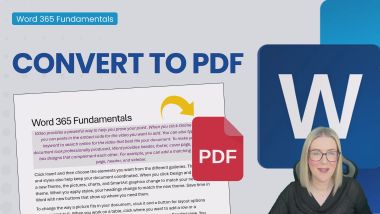
Word 365: Convert to PDF
A Simple LAMBDA - Excel
Create a Custom Theme - PowerPoint
Footnotes and Endnotes in Word
Outlook: Compose New Mail
Combine Files in Power Query - Excel
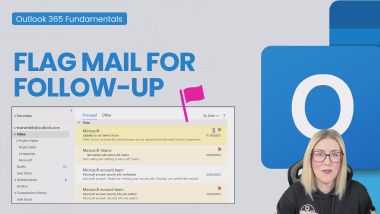
Outlook: Flag Mail for Follow-Up
Excel Essentials: Logital Functions - COND. IF
Excel Essentials: Show Values As
Word 365: Customize the Quick Access Toolbar
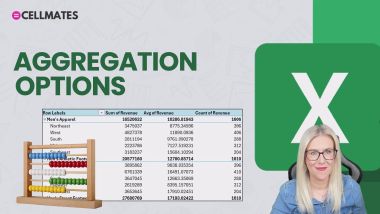
Excel Essentials: Aggregation Options
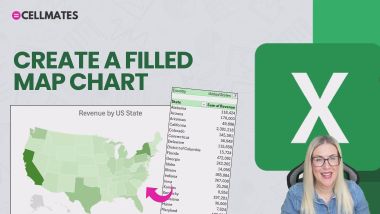
PivotTables: Create a Filled Map Chart
PivotTables: Basic Sort and Filter Options
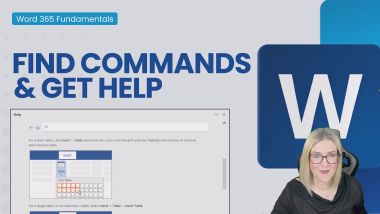
Word 365: Find Commands and Get Help
Word 365: Format Paragraphs
Outlook: Add Contacts and Create Groups
Outlook: Configure a Microsoft Account
Excel Essentials: Clean a Dataset with Power Query
OneNote: Settings and Preferences
PowerPoint: Insert and Format Shapes
PivotTables: Create a Basic Pivot Table
Excel Essentials: Data Types
Excel Essentials: Date & Time
Find the Closest Match to a Number - Excel
Word 365: Save and Reuse a Template
Excel Essentials: Number Formatting
New Checkboxes in Excel
PowerPoint: Text Effects
PowerPoint: Speaker Notes
PowerPoint: Font and Colors
Excel: Generate PivotTables and Charts
PivotTables: Create Pivot Tables with Copilot
Excel: ChatGPT Addin: AI.FORMAT
Outlook: Reply and Forward a Message
Outlook: Customize the Quick Access Toolbar
Excel Essentials: Copy Formatting
Excel Essentials: Find and Replace
PivotTables: Defer Layout Updates
Why Word Styles are Useful - Word
Blur Effect in PowerPoint
Custom Slide Show in PowerPoint
Design Better Spreadsheets in Excel: 5 FAST Tips!
Copy Conditional Formatting Rules in Excel
Excel Essentials: Report Layout Options
Prompt Engineering
Insert, Move, Copy and Delete Rows and Columns
Create Totals FAST in Excel with Quick Analysis
The NEW Microsoft Teams for Personal Use
Creating Table of Contents with Bookmarks in Word
Copilot Icon Greyed Out in Outlook
Working with Presence Status in Microsoft Teams
How to Turn Off the Focused Inbox in Outlook
Sort Lists, Tables and Horizontal Data in Word
Clean a Dataset with Excel Functions and Utilities
Organising Data with Subtotals in Excel
The NEW TRIMRANGE Function + "The Dot"
SORT vs SORTBY in Excel
Cleaning Data in Excel with Power Query Part 1
The Advanced Filter - Excel
Create an Excel Chart with REPT, TEXT and SUM
Make an Announcement in Microsoft Teams
Ask Questions with Copilot
How to Develop a High Performing Team Culture
Encouraging Teamwork as a Project Manager
Presentation Skills: Slide Deck and Tech
Harnessing Ambition
Maintaining your belief
Mental Fitness - 5-Step Daily Routine
Confidence at Work
Make Remote Working Work For You
How to Be Proactive
Be More Confident
Create a Stock Inventory Tracker in Excel
Add a Tab in Micosoft Teams
Using AI to Improve Your Communication
How to be an Effective Interviewer
Environmental Social and Governance
Exercise Your Way to Greater Productivity
Avoiding Burnout
Bullying
Effective Hybrid Working: Working From Home
What is Change Management?
Performance Management
Using Formulas in Word
Mental Fitness - 4 Pillars of Resilience
Dealing with Self-Doubt in Customer Service
Building You - Building Confidence
Leading With Empathy
Building You - Building Networks
Scrum: The Basics
Enhance Your Productivity with AI
The Importance of Prioritising Employee Well-Being
Understanding Pronouns – DEI
How to Build a Story
Pareto Principle
Presentation Skills: Post-Presentation Tips
Introduction to Sexual Harassment
How to Navigate Grief in the Workplace
Micro Stories and Presentations
Speaking with Authority
Find and Replace in Word
The Ethics of AI
Foster Equal Belonging
Motivating Your team
Managing Conflict in Your Team
Systems for Working Faster
Make Time for You
Stop Stagnating and Make the Change
Ambitious Mindset
Introduction to Environmental Sustainability
Business Case for Sustainability
Introduction to Sexism in the Workplace
PowerPoint: Presentation Tools
New Functions TOCOL and TOROW - Excel
Excel Essentials: Absolute vs Relative Referencing
PivotTables: Create a Table from Multiple Tables
PivotTables: Preparation is King
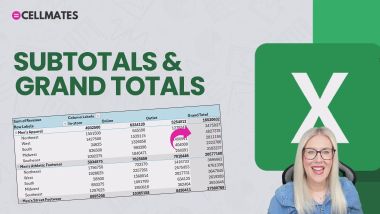
PivotTables: Subtotals and Grand Totals
Excel Essentials: Project Introduction
Excel: Apply Conditional Formatting with Copilot
Excel: Write Macros with ChatGPT
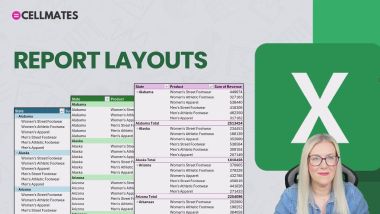
PivotTables: Report Layouts
Word 365: Share a Document
Excel: Conditional Formatting with ChatGPT
Excel: Analyze Data with Copilot
VLOOKUP Approximate Match Explained
Excel 365: Basic Number Formats
Excel: Refine Data with ChatGPT
Excel Essentials: Basic Sort and Filter
Copilot 365: Sort and Filter Data
Excel: Add Formula Columns with Copilot
PowerPoint: Insert Pictures and Icons
Create a Blank Presentation
Data Validation Lists with Images - Excel
Excel Essentials: Remove Duplicates and Formatting
Excel Essentials: VLOOKUP
Excel Essentials: Delete Blank Rows
Excel Essentials: Formatting with Formulas
PowerPoint: Apply Slide Layouts
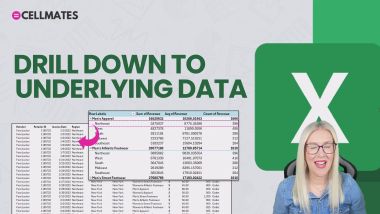
PivotTables: Drill Down to Underlying Data
PivotTables: Preserve Column Widths
Excel: Advanced Formulas + ChatGPT
PivotTables: Aggregation Options
Excel: Troubleshoot Formulas
Excel 365: Contextual Ribbons & Menus
OneNote: Synching and Cloud Integration
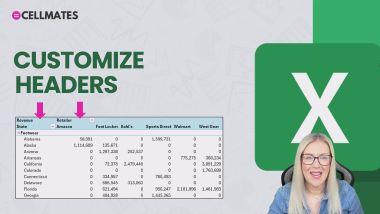
PivotTables: Customize Headers
Excel Essentials: Filter Pivot Table Data
MS Teams: Make an Announcement
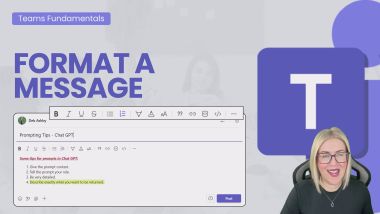
MS Teams: Format a Message
PivotTables: Format a Pivot Chart - Part 1
PivotTables: Create a Custom Slicer Style
PivotTables: Sort with a Custom List
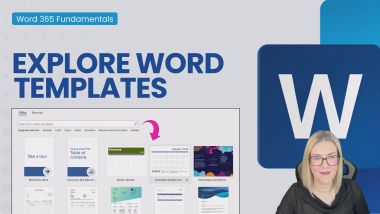
Word 365: Explore Word Templates
How to Do a Weighted Average - Excel
COUNT and SUM by Cell Colour - Excel
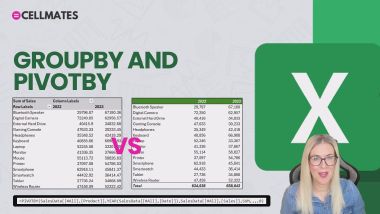
PivotTables: GROUPBY and PIVOTBY
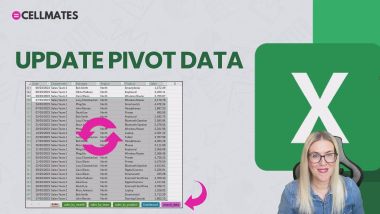
PivotTables: Update Pivot Data
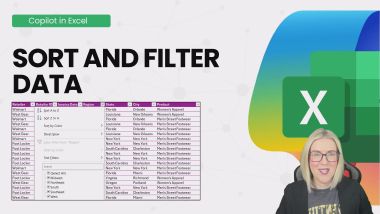
Excel: Sort and Filter Data with Copilot
Excel: Download the ChatGPT Addin
Excel Essentials: INDEX, MATCH
Excel Essentials: Focus Cell
Excel Essentials: Copilot in Excel - Formatting
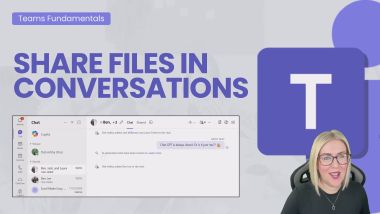
MS Teams: Share Files in Conversations
PowerPoint: Add New Slides to a Presentation
Print Headers and Selections - Excel
Use ChatGPT to Write Excel Formulas - Excel
Word 365: Keytips and Shortcuts
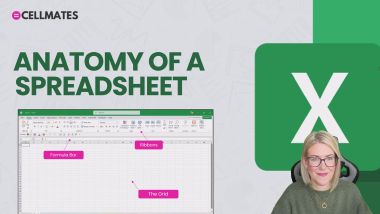
Excel 365: Anatomy of a Spreadsheet
Add a Search Box to a Spreadsheet - Excel
OneNote: Writing and Formatting Notes
OneNote: Linking Notes, Pages and Resources
Slide Zoom - PowerPoint
Printing Large Spreadsheets in Excel
Turn on the To-Do Bar in Outlook
New Native Checkboxes in Excel
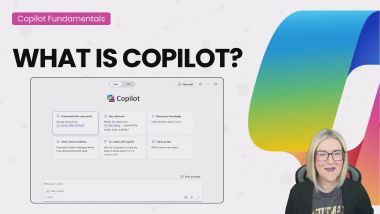
Copilot 365: What is Copilot?
Copilot 365: Summarise long Documents
OneNote: Sharing and Collaborating
Filter Data Like an Expert - Excel
Create a Team and Add Members in Microsoft Teams
Convert Numbers to Words - Excel
Lookups with Duplicates
Cleaning Data in Excel with Power Query Part 2
Copilot 365: Use Organization Templates
Customise Views with Sheet View in Excel
Working with Comments in Word
4 Efficiency Tips in Excel
The PIVOTBY Function in Excel
Why Word Styles are SO Important
PivotTables: Solve Order and List Items
Compress Images in PowerPoint to Reduce File Size
Apply Automatic Formatting in Excel
The Camera Tool in Excel
Running Your First Project
Calculate Work Days Excluding Time Off in Excel
Introduction to Copilot in Excel
Show Hidden Characters in Word
How to Deal With Change to Your Job
Introduction to Disability in the Workplace
Getting Creative With AI
Future Human: Flexibility
Transformational Leadership
Absolute vs Relative Cell Referencing in Excel
Mental Fitness - 3-Step Framework for EQ
Manage Procrastination, and Boss Your Day
Excel Function with NO Arguments - DATEDIF
Future Human: Curiosity
The Power of No
Making Body Language Your Greatest Ally
Women in Leadership Building Confidence
Barriers to Sustainable Living
Pick Columns with CHOOSECOLS in Excel
Use VBA to Create a Message PopUp Box in Excel
Using AI to Improve Your Well-Being
How to Build Sales Confidence
Done is Better than Perfect
Large Language Models Explained
Future Human: Critical Thinking
Leadership: How to Negotiate
Uncomfortable Truths - Coping with Grief
Give Away Power
Plain English
The Meaning of Equality, Diversity, and Inclusion
Introduction to Social Sustainability
How to Really Listen
The Power of Positive Thinking
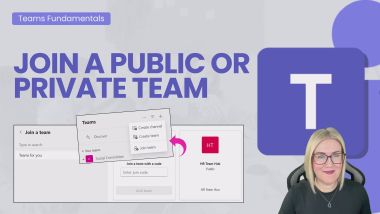
Join a Public or Private Team in Microsoft Teams
Exit Interviews
Identifying and Helping Others Who Need It
Cultural Nuances
Diet and Gut Health for Productivity
Develop a Clear Intention
How to Guide Your Team Through Change
Record a Simple Macro in Excel to Automate Tasks
Office Etiquette Explained
Enact Purpose
An Introduction to Menopause
Common Types of Attack
Summarize Emails with Copilot in Outlook
Apply Number Formatting in Excel Pivot Tables
Conversations About Sustainability
A Guide to Business Professionalism
Mental Fitness - 4 Cs of Mental Toughness
Communication and Collaboration
Unconscious and Implicit Bias and Microaggressions
Overview of PRINCE2
How to Motivate Your Customer Service Team
Save a Mail Merge as Individual Files in Word
Spotting Talent in Your Team
A Brief History of AI
Reinvigorating Disengaged Staff
Sustainability in Everyday Life
Build Safety
New Copilot Update - PowerPoint Narrative Builder
Стать автором на Bookboon
У вас есть идея, которую вы мечтаете воплотить в жизнь в формате электронной книги или учебника? Вы готовы поделиться своим опытом с миром? Специализируетесь на определенной области знаний и понимаете, как лучше объяснить эту тему? Качество, ясность и краткость — основные характеристики электронных книг на Bookboon. Свяжитесь с нашей редакцией и начните свой путь к публикакции уже сейчас!
Отправить заявку